
Introduction
Virtual Reality (VR) has transformed the way we experience digital content. From gaming to education, VR experiences allow users to immerse themselves in realistic, interactive environments. Unlike traditional screens, VR creates a sense of presence, making you feel as though you are actually inside a different world. This technology is no longer limited to entertainment; it has practical applications in healthcare, training, architecture, and even social networking.
For beginners, exploring VR can feel overwhelming, but understanding its applications and potential is easier than it seems. This guide will walk you through what VR is, why it matters, how it works, and how you can use it safely. Whether you are curious about VR gaming, virtual tours, or professional applications, this article provides a complete overview. By the end, you will know not only how to get started but also how to maximize your VR experiences.
What is VR Experiences & Applications?
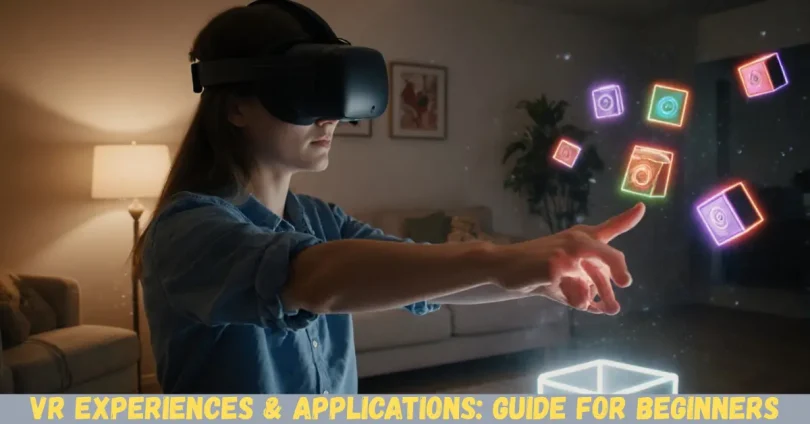
VR, or Virtual Reality, is a technology that simulates a three-dimensional environment where users can interact using special devices like VR headsets, gloves, or controllers. Unlike traditional media, VR immerses users in a fully digital space, often making them feel as if they are physically present.
VR experiences refer to the interactive activities or environments you engage with in VR. These can include games, educational programs, virtual tours, simulations, and social platforms. VR applications are the software or tools that create these experiences. Examples include VR training programs for doctors, architectural walkthroughs, meditation apps, and VR-based design tools.
In short, VR combines hardware and software to create immersive experiences. Users can look around, move, and interact with digital objects, making the experience realistic and engaging. As VR technology advances, the line between the virtual and real world continues to blur, offering endless possibilities for both entertainment and professional growth.
Why is VR Experiences & Applications Important?
VR is important because it changes the way we learn, play, and work. Traditional methods of learning or interacting with digital content can be passive, but VR makes them active and engaging. Here are a few reasons why VR experiences and applications are gaining significance:
- Enhanced Learning: VR allows students to explore complex subjects visually. For example, medical students can practice surgery in a virtual environment without risks.
- Remote Collaboration: Professionals can meet in virtual offices or conferences, improving communication and reducing travel costs.
- Innovative Entertainment: VR offers games and storytelling experiences that traditional media cannot match.
- Training and Safety: High-risk jobs like aviation or firefighting use VR simulations for safe, effective training.
- Accessibility: People who cannot travel can still experience museums, tourist spots, or nature tours virtually.
Overall, VR applications are becoming vital in multiple industries. They provide safer, more interactive, and cost-effective solutions while offering memorable experiences that were previously impossible.
Detailed Step-by-Step Guide to VR Experiences & Applications
Step 1: Understanding VR Hardware
Before diving into VR, you need the right hardware:
- VR Headsets: Devices like Oculus Quest, HTC Vive, or PlayStation VR immerse users visually.
- Controllers: Hand-held devices allow interaction with virtual objects.
- Sensors: Some setups use external sensors to track movement and location.
- Compatible Computer or Console: High-quality VR often requires a powerful PC or gaming console.
Choosing the right hardware depends on your budget and intended use. For beginners, standalone VR headsets are easier to start with.
Step 2: Choosing VR Software & Applications
Once you have the hardware, you need applications:
- Gaming Apps: Beat Saber, Half-Life: Alyx, or VRChat.
- Educational Apps: Google Expeditions, Titans of Space, or lab simulations.
- Professional Tools: Architectural visualization, medical simulation, and design apps.
- Entertainment & Social: Virtual concerts, travel experiences, or social VR platforms.
Always check the app’s compatibility with your headset before installing.
Step 3: Setting Up VR Space
For a safe and immersive experience:
- Clear a Play Area: Ensure enough space to move without obstacles.
- Check Lighting: Bright rooms can interfere with tracking; moderate lighting is ideal.
- Safety Measures: Keep a mat or boundary markers to prevent accidents.
Proper setup prevents injuries and improves immersion.
Step 4: Starting Your First VR Experience
- Begin with simple experiences like 360° videos or guided tours.
- Gradually try interactive games or educational simulations.
- Take breaks every 30–60 minutes to avoid motion sickness.
Step 5: Mastering VR Interaction
- Learn gestures and controller functions specific to each app.
- Practice moving in VR without losing balance.
- Experiment with different VR experiences to understand their potential.
Step 6: Exploring Advanced Applications
Once comfortable, explore advanced applications:
- VR Training: Simulation for pilots, surgeons, or industrial workers.
- VR Fitness: Apps that combine exercise with immersive gameplay.
- VR Social Networking: Connect with friends in virtual spaces globally.
Benefits of VR Experiences & Applications
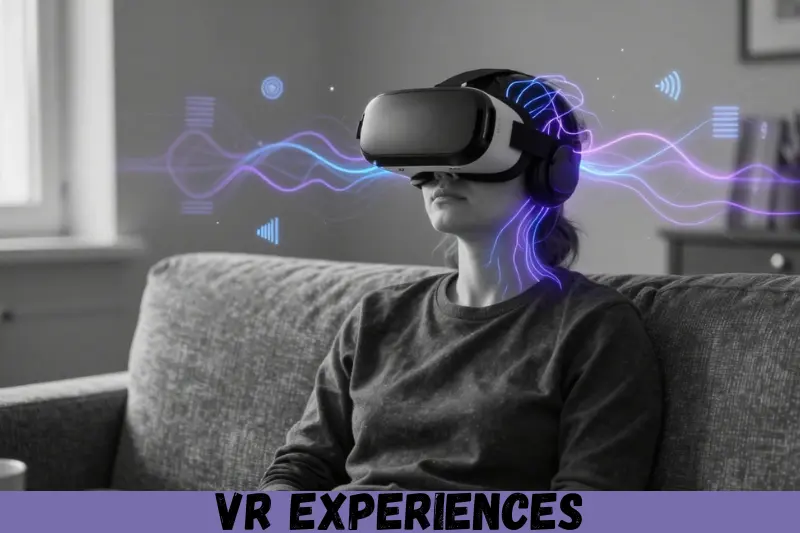
- Immersive Learning: Makes complex topics easier to understand.
- Enhanced Creativity: VR design tools allow unique creations.
- Remote Collaboration: Effective meetings without travel.
- Entertainment Variety: Games, concerts, and storytelling experiences.
- Safer Training: Practice high-risk tasks virtually.
- Accessibility: Experience locations or events remotely.
- Engagement: Keeps users active and mentally involved.
Disadvantages / Risks
- Motion Sickness: Some users feel nausea after extended VR use.
- Eye Strain: Long sessions can cause discomfort.
- Physical Injury: Moving in limited spaces can lead to accidents.
- High Cost: Quality VR hardware can be expensive.
- Limited Content: Some apps may lack depth or variety.
- Social Isolation: Excessive use may reduce real-world interactions.
Common Mistakes to Avoid
- Ignoring Safety: Not clearing space or setting boundaries.
- Skipping Breaks: Long sessions can cause fatigue or sickness.
- Using Incompatible Apps: Some VR software may not work on all headsets.
- Overlooking Calibration: Poor setup affects tracking and experience.
- Neglecting Updates: Old software may cause glitches.
- Underestimating Costs: VR hardware and accessories add up.
FAQs
1. Can VR cause health problems?
Yes, extended VR use may cause motion sickness, eye strain, or headaches. Taking breaks and adjusting headset settings helps.
2. Do I need a powerful computer for VR?
Some VR headsets are standalone, requiring no computer. High-end VR often needs a powerful PC for smooth performance.
3. Can VR be used for education?
Absolutely. VR offers simulations, virtual labs, and interactive lessons for subjects like science, history, and medicine.
4. Is VR suitable for all ages?
Most VR headsets have age recommendations, usually 12+. Children should use VR under supervision.
5. How long should I use VR daily?
For beginners, 20–30 minutes per session is ideal. Gradually increase time as you adapt.
6. What are the most popular VR applications?
Gaming apps like Beat Saber, professional training apps, educational programs, and social VR platforms are widely used.
7. Can VR replace traditional learning or work?
VR complements traditional methods. It enhances engagement but is not a complete replacement for real-world experience.
8. Are wireless VR headsets better?
Wireless headsets provide mobility but may have lower performance than tethered devices connected to powerful PCs.
Expert Tips & Bonus Points
- Start Simple: Begin with 360° videos or guided VR tours before advanced apps.
- Use Comfortable Gear: Invest in headsets that fit well and reduce strain.
- Take Breaks: Protect your eyes and prevent motion sickness.
- Customize Settings: Adjust brightness, tracking, and controller preferences.
- Explore Multiple Apps: Test educational, entertainment, and professional VR applications to understand their range.
- Safety First: Always ensure your play area is free of obstacles.
Bonus: Consider combining VR with AR (Augmented Reality) for mixed-reality experiences that blend the virtual and real world.
Conclusion
VR experiences and applications have revolutionized the way we learn, work, and entertain ourselves. They create immersive, interactive environments that are not possible with traditional media. For beginners, understanding VR technology may seem challenging, but with the right hardware, applications, and precautions, anyone can enjoy its benefits.
From gaming and virtual travel to professional training and creative design, VR opens up endless possibilities. However, it is essential to be mindful of risks like motion sickness, eye strain, and physical accidents. By following best practices, avoiding common mistakes, and exploring various applications, you can fully experience the potential of VR.